Unreal Engine plugin · Documentation
Favilla.
Embers and sparks.
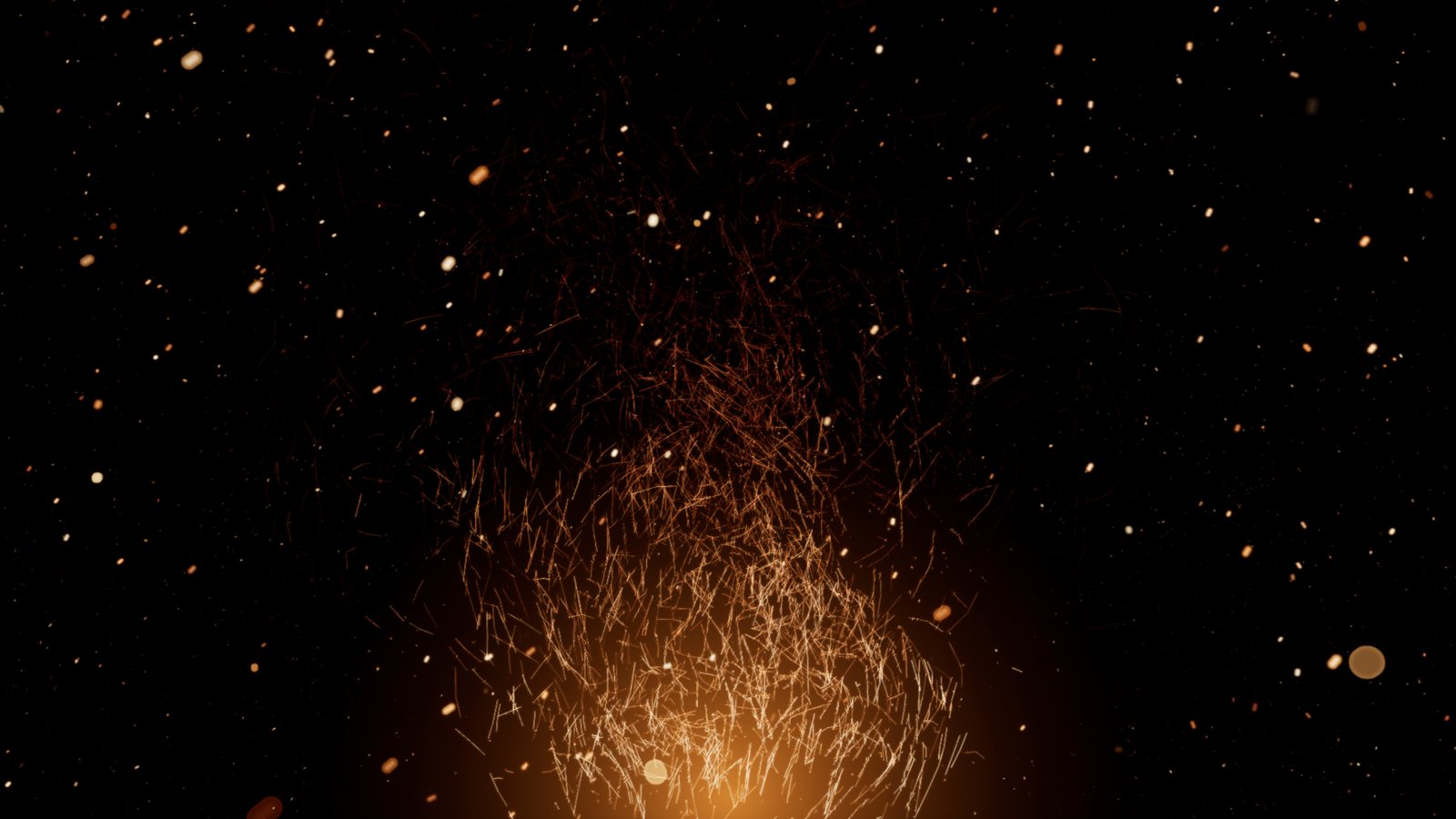
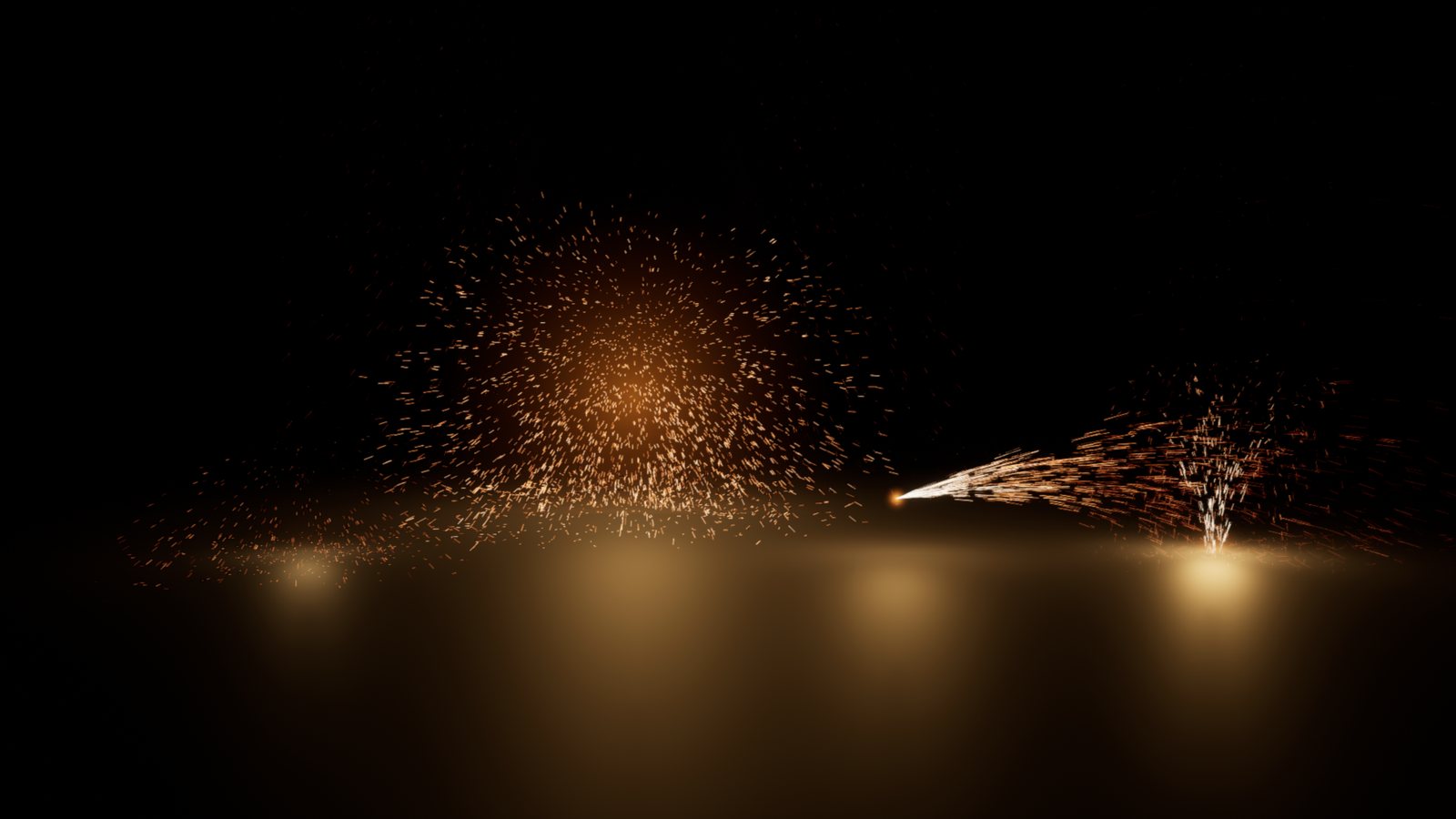
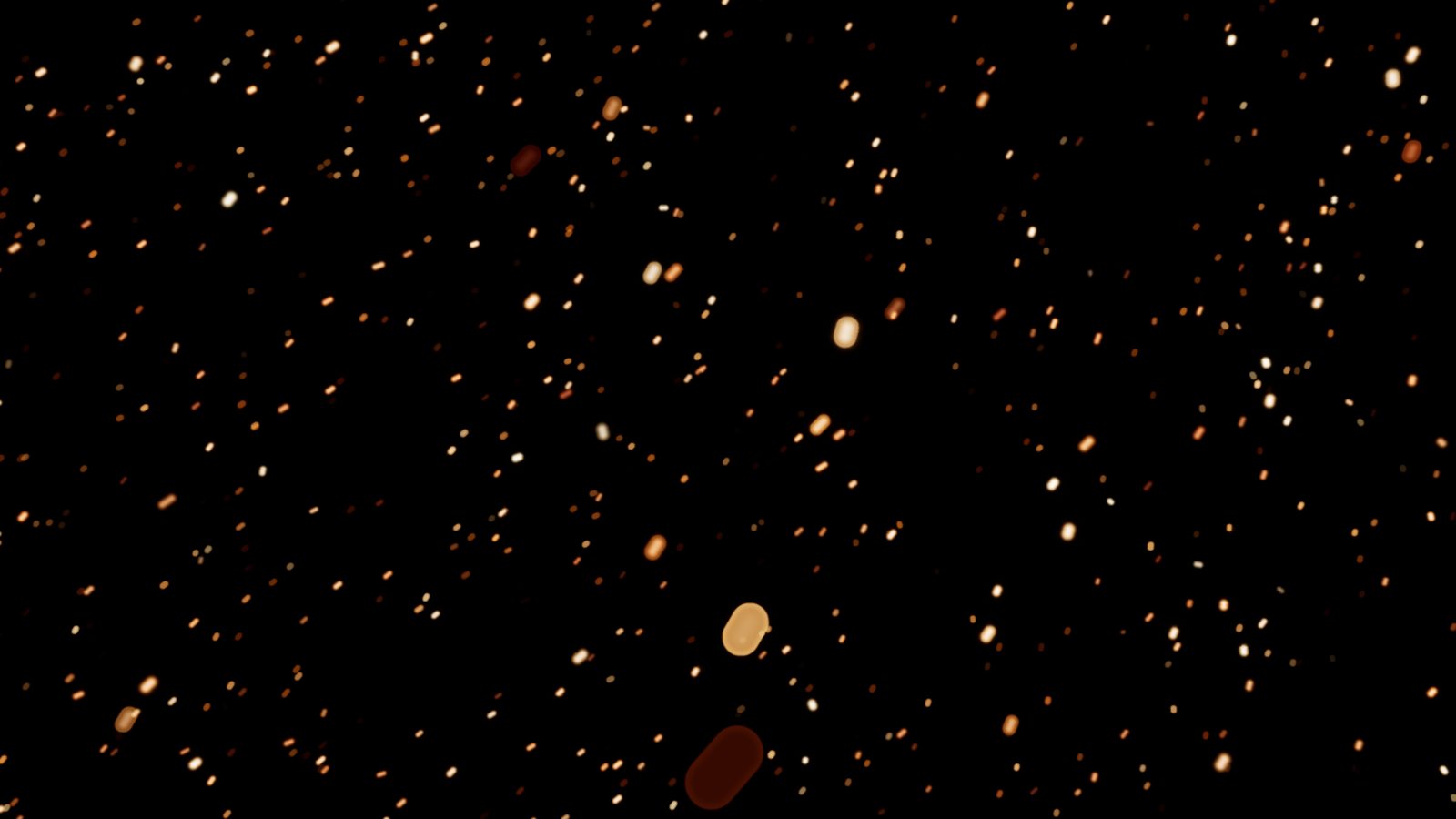
Favilla draws embers and sparks: embers rising from a fire, spark bursts that bounce on the floor, jets from a grinder, and a field of drifting embers that fills the frame wherever the camera looks. Each particle is a motion-blurred streak that cools from white-hot to dark red. It blurs into a real bokeh disc when the camera's depth of field says so.
Every particle is a closed formula of its age, with no simulation that builds up frame after frame. A frame depends only on its time. Scrubbing in Sequencer and rendering with Movie Render Queue show the exact same frames, and a fire is already burning on the first frame.
- Quick start
- Blueprints
- Actors and presets
- Bursts and Sequencer
- Settings
- Performance
- Compatibility
- Support
Quick start
- Enable Favilla Embers in Edit > Plugins and restart the editor.
- Open the sample level
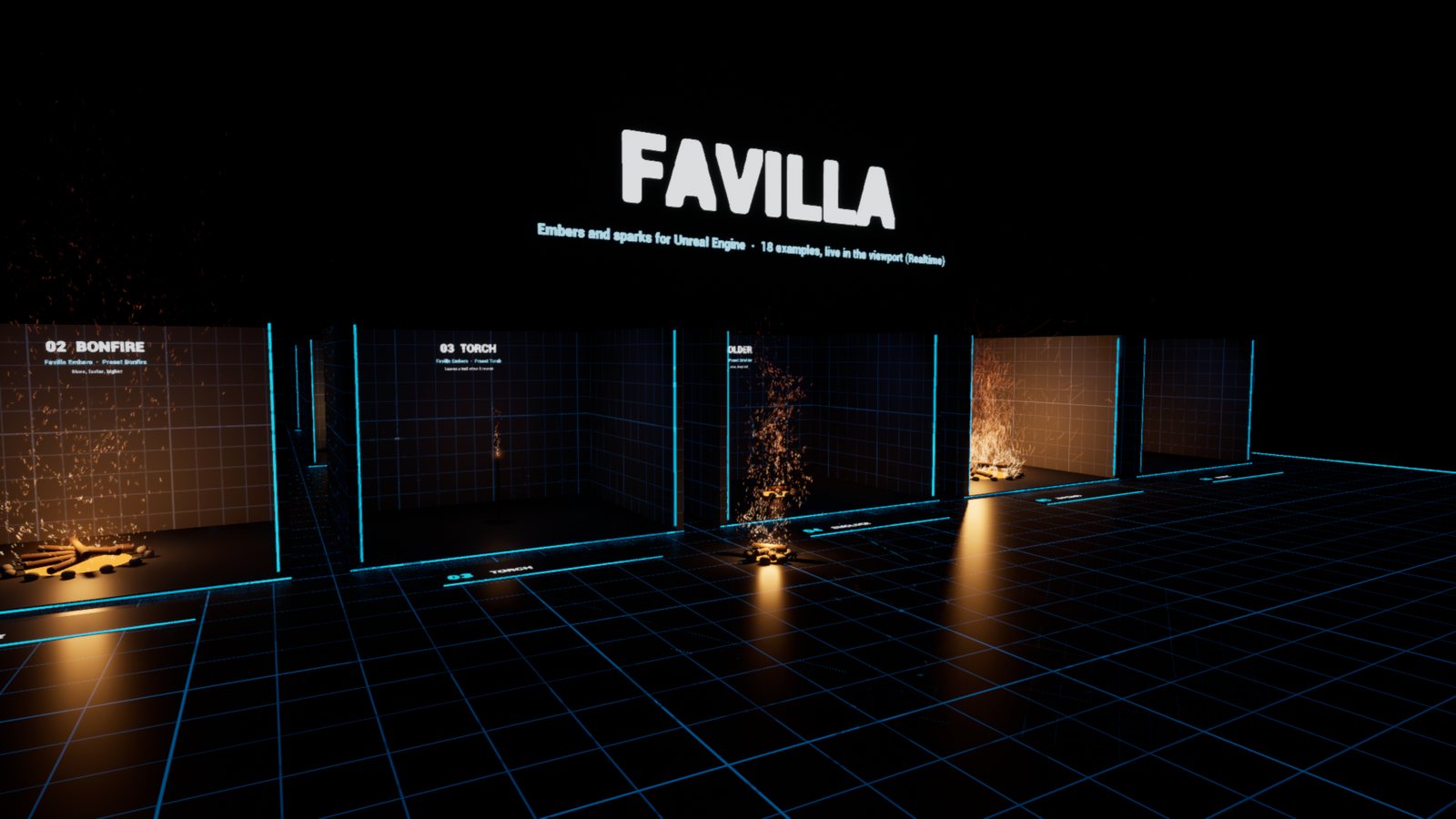
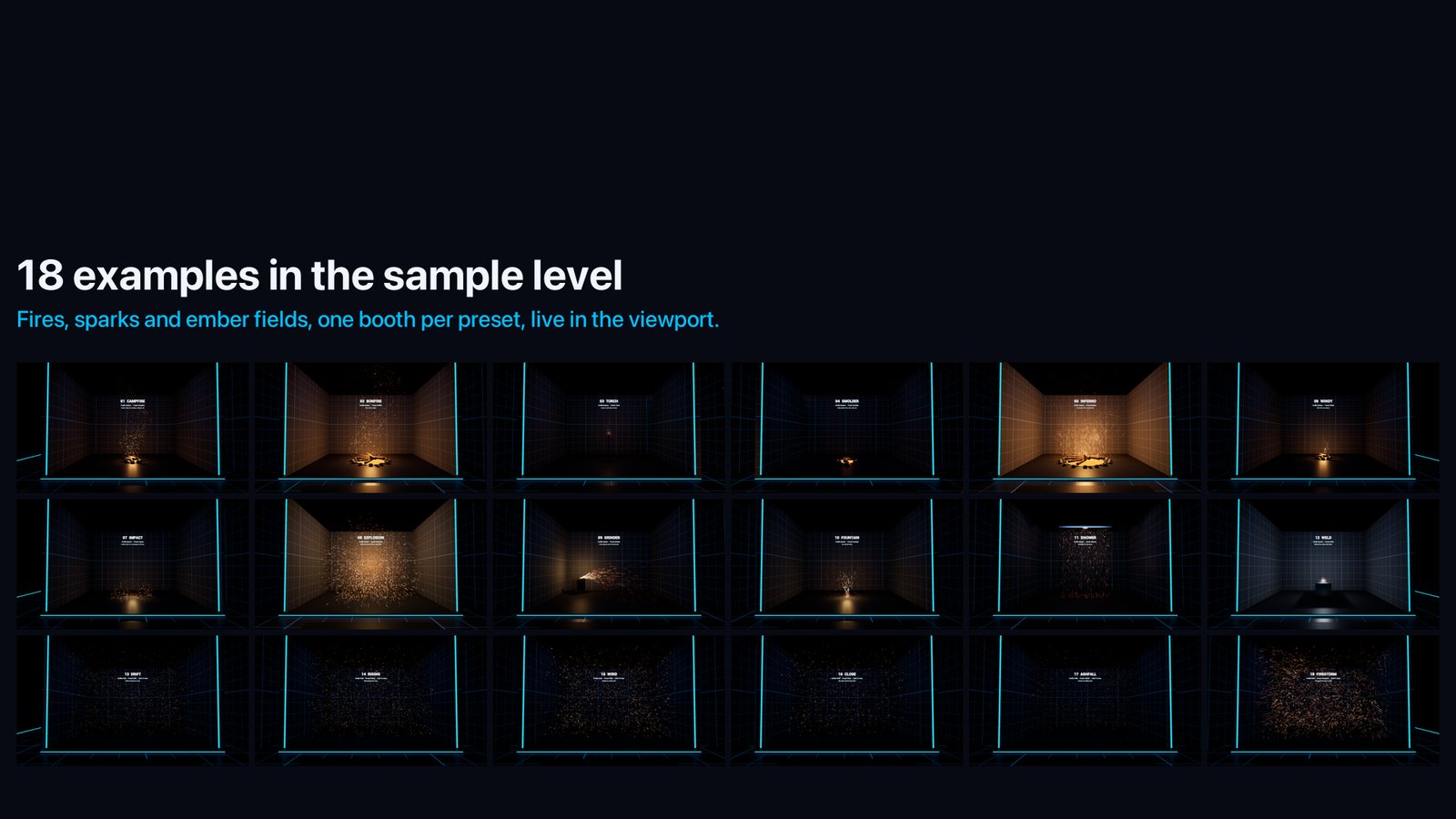
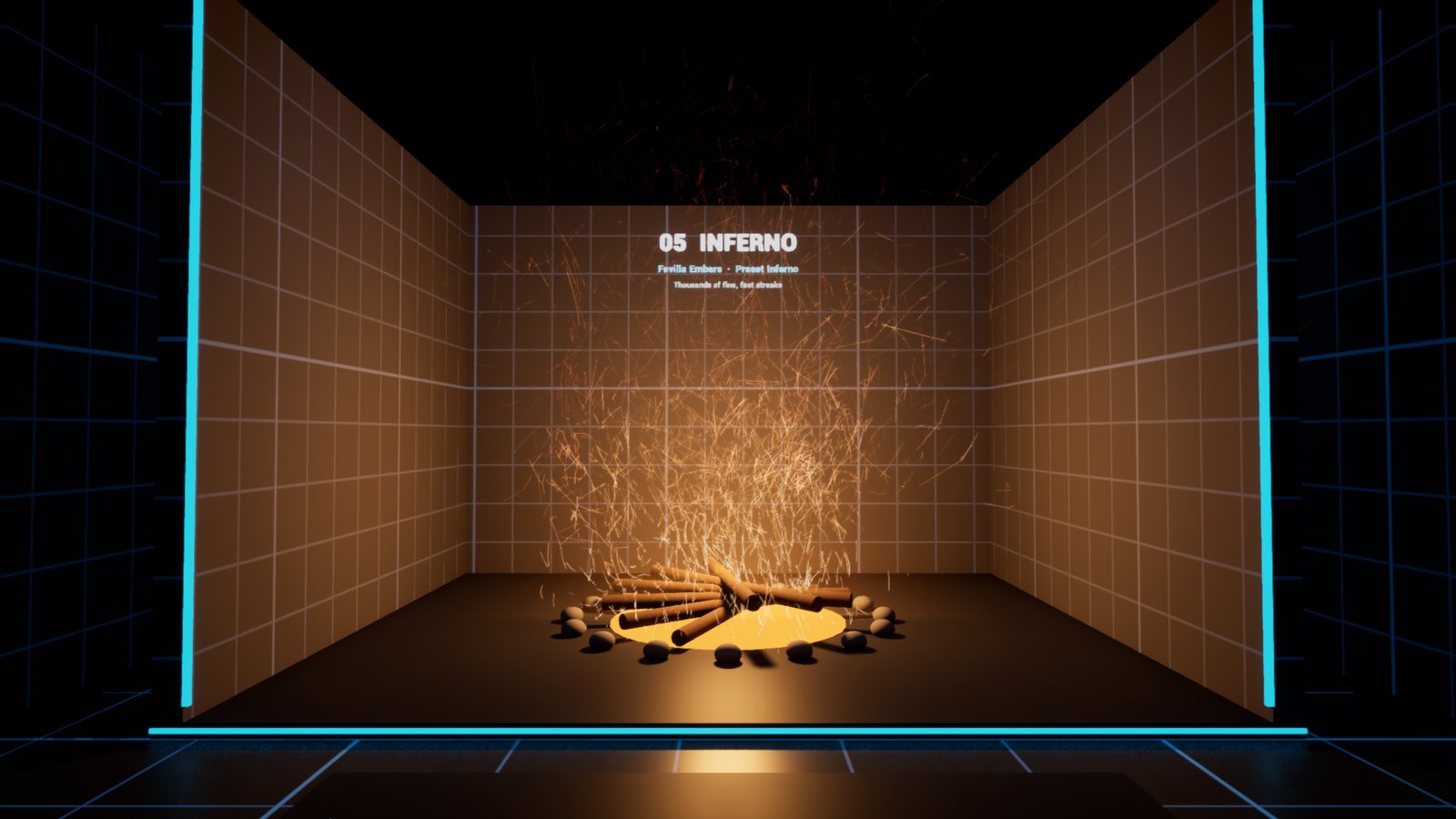
/Favilla/Maps/Favilla_Showcase. In the Content Browser, use Settings > Show Plugin Content, then Plugins > Favilla Content > Maps. It has 18 numbered booths, one per preset, with the settings written on the wall. - Turn on Realtime in the viewport (Ctrl+R) to see the particles move in the editor.
- In your own level, search Favilla in Place Actors and drop in Favilla Embers, Favilla Sparks or Favilla Field.
- Pick a
Preset. The settings change at once, and Apply Preset puts them back after you edit them. The particle settings show directly when the actor is selected, under Emitter, Motion and Look.
Blueprints
BP_Favilla (Plugins > Favilla Content > Blueprints) is the easiest way in:
- Drop it in your level.
- Pick an effect in its Preset dropdown. The list has all 18 presets: fires (Embers), sparks (Sparks) and ember fields (Field). The settings change at once.
- Tweak Emitter, Motion and Look as you like.
The C++ classes Favilla Embers, Favilla Sparks and Favilla Field do the same, each with its own six presets. All of them can be extended in Blueprints.
Spawn Favilla is a Blueprint node for gameplay. It puts any preset at a transform. A sparks burst goes off at once, and the actor removes itself when its sparks are gone. Fires and fields stay until you destroy them, unless you set Life Span.
Actors and presets
Favilla Embers: embers rising from a fire
| Preset | Look |
|---|---|
| Campfire | Embers rising and swirling, cooling to red, with crackles. |
| Bonfire | A big fire: more embers, faster, higher, with sideways gusts. |
| Torch | A small source that leaves a trail when it moves. |
| Smolder | Dying embers: few, slow, deep red, twinkling. |
| Inferno | A roaring blaze of thousands of fine, fast streaks. |
| Windy | A campfire in a wind of 260 cm/s with strong gusts. |
Favilla Sparks: hot sparks that bounce on the floor
| Preset | Look |
|---|---|
| Impact | A burst thrown off a hit. Rotate the actor so its up axis leaves the surface. |
| Explosion | A ball of sparks in every direction, with a flash. |
| Grinder | A jet of hot, fast sparks along the actor's forward axis. |
| Fountain | A fountain going up and falling back. |
| Shower | Sparks raining down from a line, as from overhead welding. |
| Weld | Short, white-hot sparks from an arc, with a blue-white flicker. |
Favilla Field: embers that fill the frame
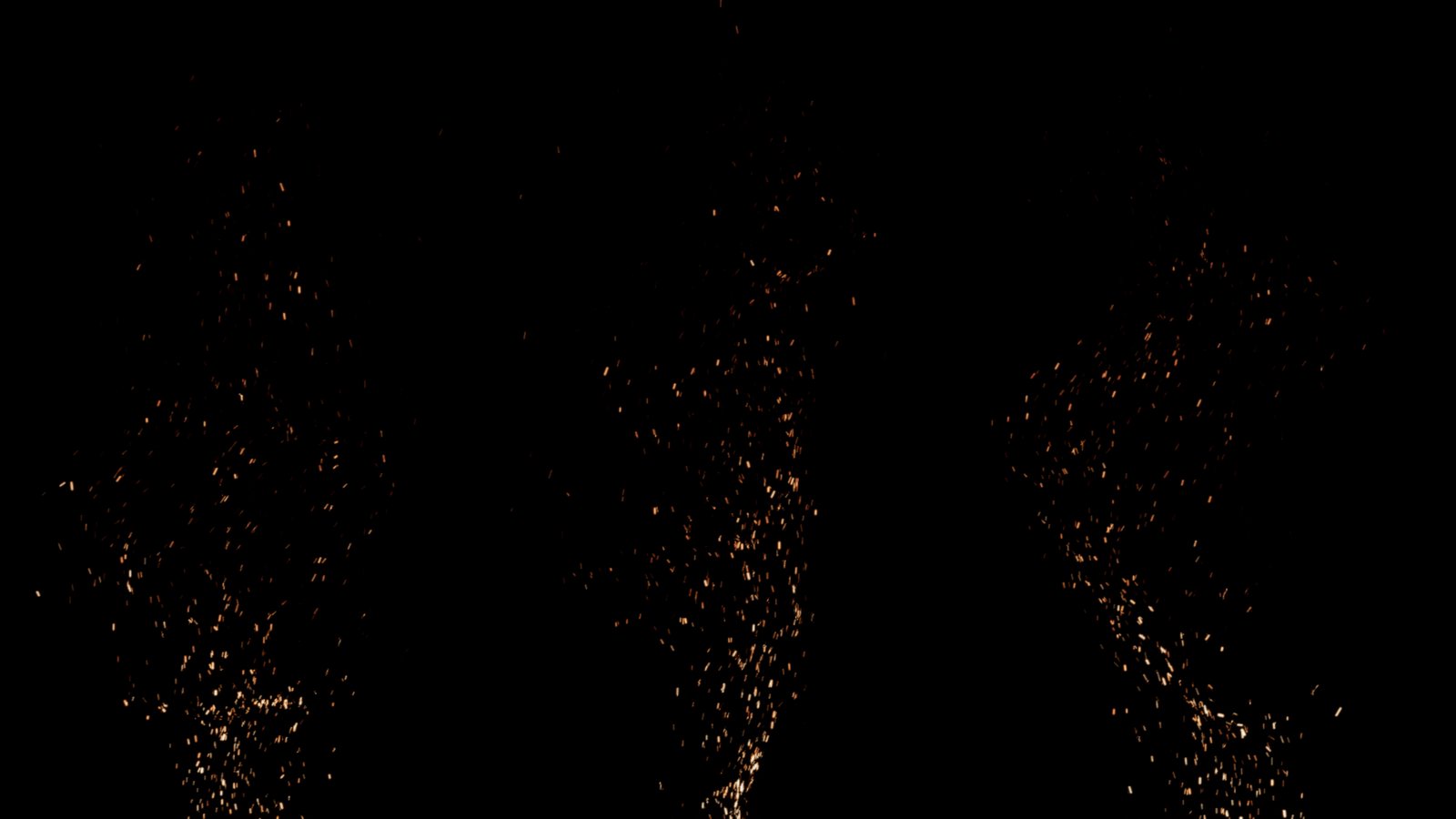
The embers live in a box that follows every camera, so they fill the frame wherever you look. Tick Limit To Area to keep them inside a box around the actor instead, such as a burning street or one room.
| Preset | Look |
|---|---|
| Drift | Embers floating in the air all around. |
| Rising | Embers rising through the frame, as above a burning city. |
| Wind | Embers carried by a strong wind, drawn as streaks. |
| Close | A few big embers right in front of the lens, blurred into bokeh. |
| Ashfall | Glowing ash falling slowly. |
| Firestorm | Thousands of embers in a gale. |
The Favilla Embers component behind these actors can also be added to any Blueprint, for example a torch carried by a character.
Bursts and Sequencer
Sparks presets such as Impact and Explosion use Emission = Bursts. The Bursts settings say when they go off:
| Trigger | When a burst goes off |
|---|---|
| Repeat | Every Interval seconds from First Burst. |
| Beats | On music beats: BPM and the list of Beats (1 = the first beat, at time 0). |
| Times | At the exact times of the Times list, in seconds. |
| On Fire | Only when Fire is called from Blueprint. |
Fire works in every mode, on top of the scheduled bursts.
With Follow Sequencer ticked (the default), every Favilla actor reads the time of your sequence:
- in the editor, it follows the Sequencer playhead, so scrubbing shows each frame exactly;
- in game and in Movie Render Queue, it follows the Level Sequence that is playing;
- without an open or playing sequence, it runs on the world clock.
To put a burst on a frame:
- Scrub to the frame.
- Select the Favilla Sparks actor and click Add Burst At Playhead. The trigger switches to
Times. - Click again on other frames to add more. Clear Bursts starts over.
For full manual control, tick Use Custom Time and key Custom Time yourself. Time Scale gives slow motion. Start At Time makes a fire light up at a given time instead of burning from the first frame.
Movie Render Queue. Each particle already draws its own motion blur, the path it covers during Shutter (0.02 s by default, a 180-degree shutter at 25 fps). Render with spatial samples for anti-aliasing. If you add temporal sub-samples, set Shutter to 0 and let them build the blur, or the streaks get longer.
Settings
Emitter
Emission: Continuous (a steady flow), Bursts, or Field.ShapeandExtent: Point, Sphere, Box, Disc (the ground of a fire) or Line, in the actor's space.Rate: particles per second.Burst CountandBurst Spreadset the size and length of a burst.PuffsandPuff Rate: the fire breathes, as the flow swells and dies down.Pop Rate,Pop CountandPop Speed: crackles. A log pops and throws a handful of hot embers at once, and the light flashes with it.Lifetime,Direction,Speed,Cone.Inherit Velocity: particles keep some of the emitter's own speed, for a swung torch or a sliding blade.World Space: particles stay where they were born when the emitter moves, leaving trails.Density: the share of particles that are born. Key it to grow a fire or let it die down.Field Count,Field Size,Near Fade,Limit To AreaandArea: the field box.
Motion
GravityandBuoyancy, in cm/s². Sparks fall at 980, while embers rise on the hot air.DragandWind.Turbulence,Turbulence Scale,Turbulence DetailandTurbulence Speed: swirls of 3D noise that never repeat. They set how far the air pushes, the size of the swirls, how chaotic the fine swirls are, and how fast they change.Gust Strength,Gust Size,Gust RateandGust Spread: gusts on top of the wind. They set how hard and how often gusts blow, and whether they come only along the wind or from any side.Flutter: each particle's own small wobble.Floor,Auto Floor,BounceandFriction: particles bounce on the floor under the actor.
Look
Size,Size RandomandBrightness. Brightness looks the same at any exposure.Hot Color,Mid Color,Cool Color,CoolingandHeat Random: from white-hot to dark red over the life.Flicker: twinkle.ShutterandStreak Dimming: motion blur.Min Pixel Size: tiny embers are dimmed instead of drawn thinner, so they never shimmer.Bokeh:- Camera matches the Cine Camera that renders (focus distance, aperture and filmback);
- Manual uses its own
Focus DistanceandF Stop; - Off keeps every particle sharp.
Glow Radius,Glow BrightnessandGlow Color: a soft glow at the source.- On the actors, a point light at the source flickers with the fire and flashes with each burst. Its intensity is in candelas.
Performance
- Particles are built on all CPU cores and drawn as camera-facing streaks, in one draw call per actor.
- On a desktop CPU, 15,000 field embers take about 1 ms per frame, and a bonfire with gusts and crackles about 0.6 ms.
- Off-screen particles are skipped for every view.
Compatibility
- Unreal Engine 5.4, 5.5, 5.6, 5.7 and 5.8, Windows. Runtime module: works in packaged games.
- The material is translucent additive. Particles do not appear in Lumen reflections, but their lights do.
- Sparks bounce on one floor height found under the actor. They do not collide with walls.
- Not network replicated: the particles are cosmetic. Call Fire from your own replicated gameplay code.
Support
Questions and bug reports: contentcreatorassetspack@gmail.com. Tell us your engine version and, if you can, attach a screenshot of the actor's settings.
Favilla by Content Creator Assets · © 2026 Tony Lopez. All rights reserved.