Unreal Engine plugin · Documentation
Fulgur.
Procedural lightning.
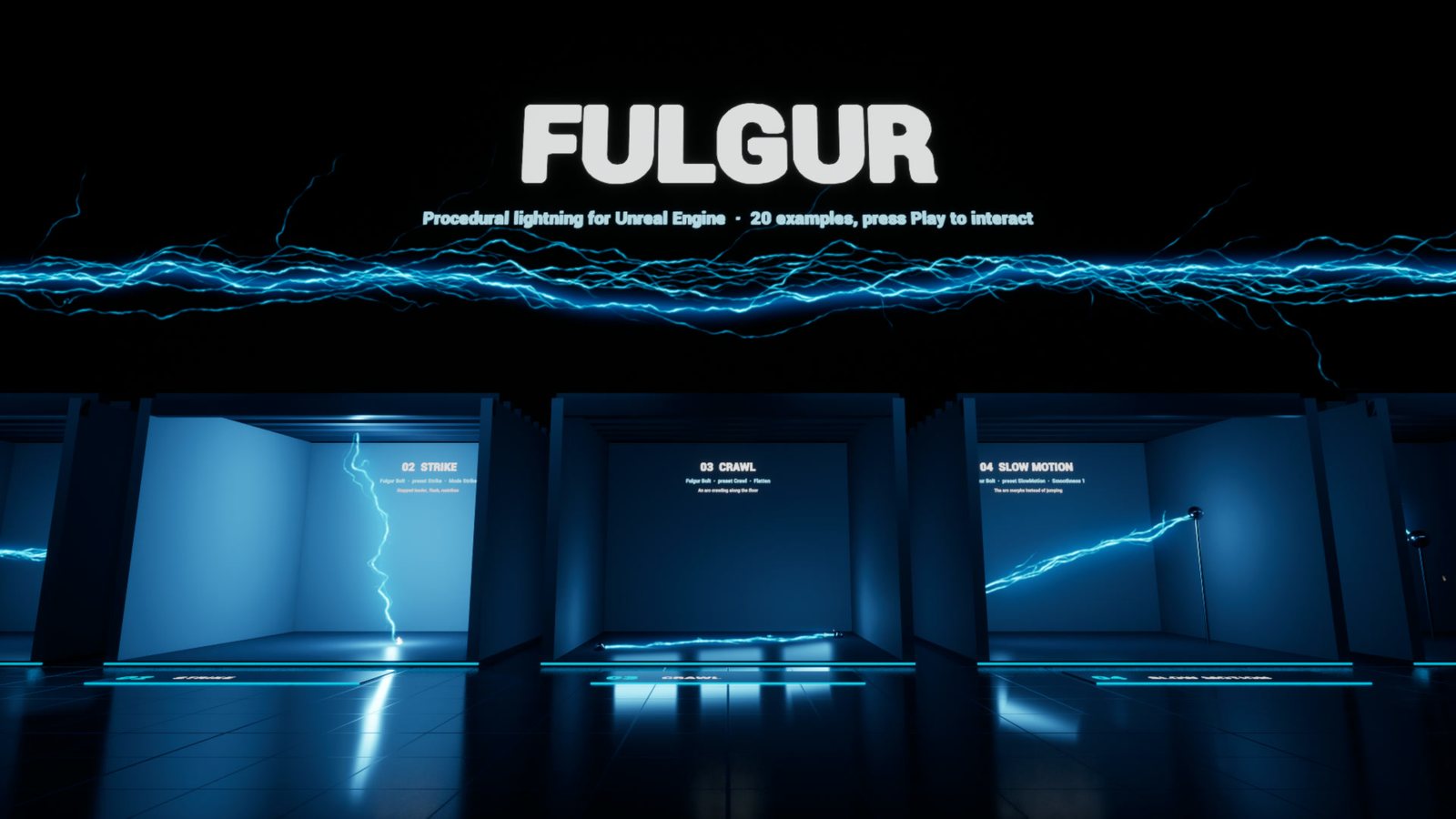
Fulgur draws lightning, electric arcs and energy beams as real 3D geometry, rebuilt every frame. There are no flipbooks and no textured ribbons. Filaments stay razor thin at any distance, branches fork like real discharges, and every bolt lights the scene around it.
A frame depends only on its time. Scrubbing in Sequencer always shows the same bolt, and Movie Render Queue renders the same image every time, temporal sub-samples included.
Quick start
- Enable Fulgur Lightning in Edit > Plugins and restart the editor.
- Open the sample level
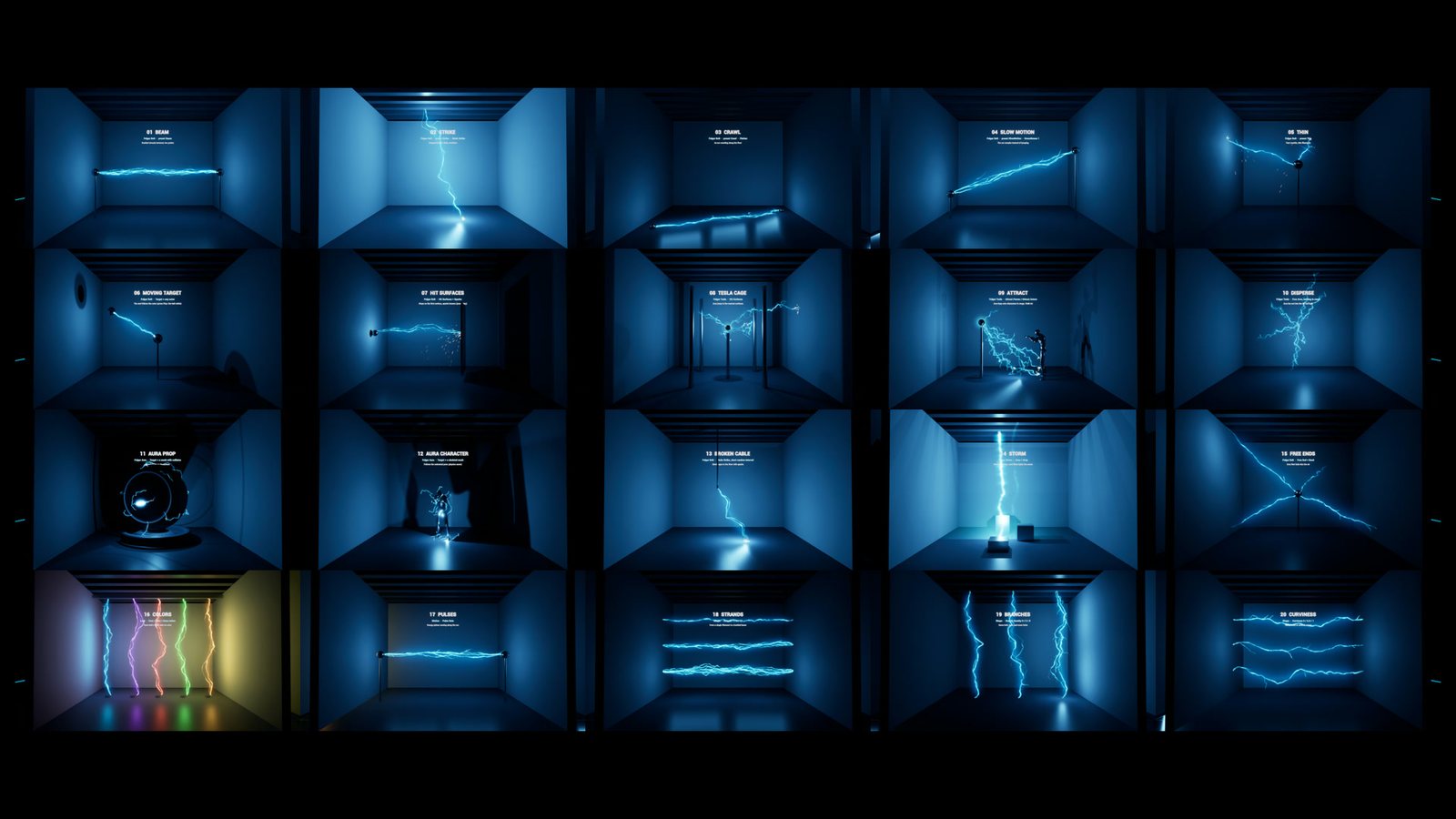
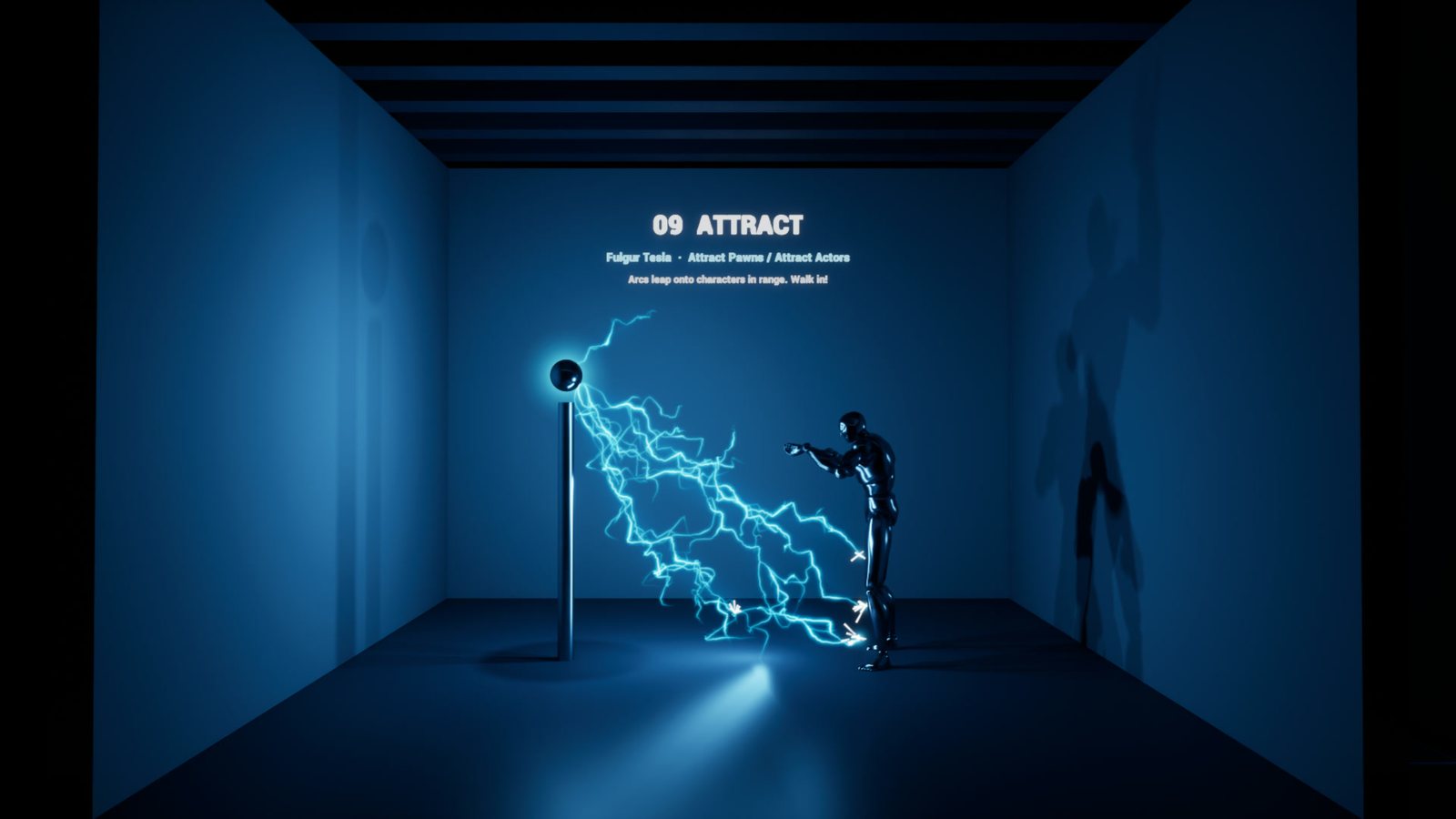
/Fulgur/Maps/Fulgur_Showcase(Content Browser > Plugins > Fulgur Content > Maps). It has 20 numbered booths, each showing one feature with its settings written on the wall. - Turn on Realtime in the viewport (Ctrl+R) to see the bolts move in the editor. Press Play to see the interactive booths: the moving target, the spinning panel, and Tesla arcs that leap onto you.
- To add lightning to your own level, search Fulgur in Place Actors.
Actors
| Actor | What it does |
|---|---|
| Fulgur Bolt | A bolt from the actor to a point (the End Point diamond in the viewport) or to a Target actor that can move. Hit Surfaces stops the bolt on the first surface in its way and throws sparks there. Pick a Preset and click Apply Preset: Beam, Strike, Crawl, Slow Motion, Thin. |
| Fulgur Tesla | An energy core that throws arcs at the surfaces around it. With nothing in reach, the arcs fan out into the air and fade (the "disperse" look). Attract: pawns, including the player, and any actor listed in Attract Actors pull a share of the arcs onto their body when they come within Reach. |
| Fulgur Aura | Arcs crawling over the meshes of an actor, set as Target or as the parent the Aura is attached to. On a skeletal mesh the arcs follow the animated pose through the physics asset. On a static mesh, the mesh needs collision. |
| Fulgur Storm | Sky strikes falling at random inside an Area, down to the ground, each with a flash that lights the scene. |
| Fulgur Lightning (component) | The engine on its own, for your Blueprints: call Build(Arcs, Bursts, Glows, Time) every tick with your own arc list. |
Each actor carries up to 4 real point lights. They are stretched along the bolt, follow its brightness, and light and shadow the set. Their settings are under Fulgur > Light: intensity in candelas, color, radius, shadows, and Light Lift to raise them off a floor.
Bolt presets
| Preset | Look |
|---|---|
| Beam | Braided strands between two points, constant energy |
| Strike | A stepped leader that grows, then the flash, then restrikes (Mode = Strike) |
| Crawl | An arc flattened against the surface it crawls on |
| Slow Motion | The arc morphs smoothly instead of jumping |
| Thin | A thin, fast crackle |
Main settings
All actors share the settings of the Fulgur Lightning component.
Shape
Displacement: amplitude of the wander, as a fraction of the bolt length.Kinks: the big breaks.Roughness: mid-scale detail.Curviness: 0 gives straight segments, 1 gives waves.Crinkle: pixel-scale jaggedness.StrandsandStrand Spread: braided strands.Branch Depth,Branch Density,Branch Length,Branch AngleandBranch Bias(for example, make branches fall toward the ground).Flatten: presses the arc against a surface.
Look
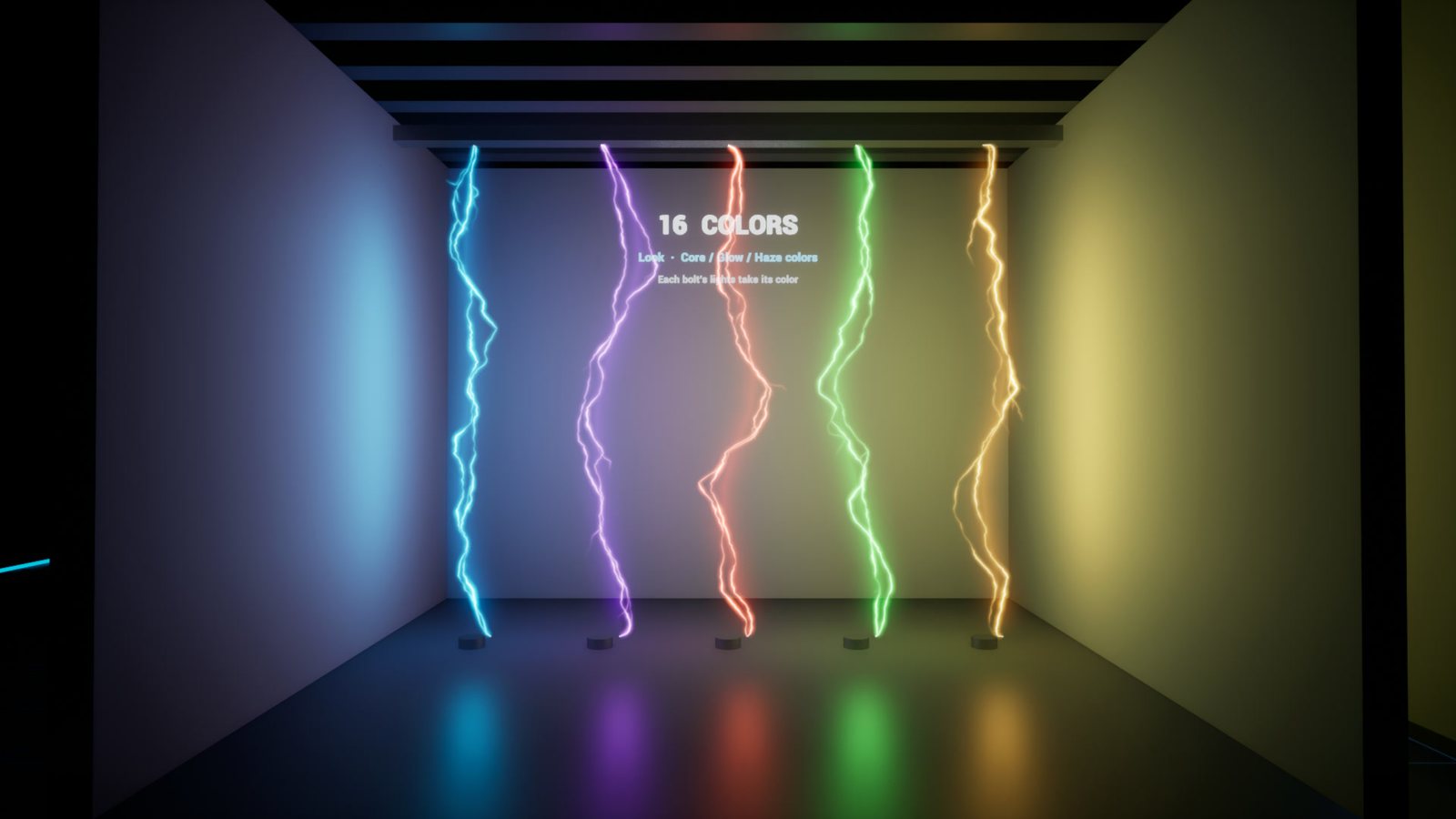
Core,GlowandHazecolors.Core Width. A filament is never drawn thinner thanMin Pixel Widthon screen: thinner filaments get dimmer instead, so they never shimmer.Glow Width: the tight halo.Haze Width: the wide veil.- Brightness for each layer.
Hot Spots: bright beads along the filament.Flare Size: the impact point.
Motion
Shape Rate: how often the fine detail renews. 24 gives a new shape every frame.Swim Rate: speed of the large-scale shape.Smoothness: 0 makes the arc jump, 1 makes it morph.Flicker.Branch RateandBranch Flicker.Pulse Rate: energy pulses running along the arc.
Sparks
- Ballistic sparks: gravity, drag, bounce on the impact surface, cooling from blue-white to orange.
Strike (Bolt in Strike mode, Storm)
Interval,First Strike,Jitter,Leader Time,Decay,Restrikes.- Or
Times, an exact list of flash times.
Bolt brightness does not depend on the scene's exposure, so a preset looks the same in any level. The lights are physical (candelas): tune them to your exposure.
Sequencer and Movie Render Queue
By default every actor follows the world clock. That is live in the editor viewport (Realtime) and in game.
For cinematics, tick Use Custom Time on each Fulgur actor and key Custom Time linearly on the sequence time (0 s at the first frame). The plugin ships a Python script that does this for every Fulgur actor of the open sequence:
- Open your sequence in Sequencer.
- Run Tools > Execute Python Script and pick
Plugins/Fulgur/Content/Python/key_fulgur_time.py. This needs the Python Editor Script Plugin, which is on by default.
After that:
- scrubbing shows the right frame;
- MRQ renders the same image every time;
- temporal sub-samples get in-between shapes, which gives a natural motion blur on crackling arcs.
Time Scale and Time Offset slow down, speed up or shift each actor.
Bloom: Unreal's default bloom at 0.7 to 1 works well. The glow and haze are already drawn by the plugin.
Performance
- Geometry is built on the CPU for every view. A typical bolt costs a few thousand vertices.
- Longer bolts and a smaller
Segment Lengthgive more vertices. Long beams of 10 m or more read well with aSegment Lengthof 3 to 5 cm. - The point lights cost more than the geometry, especially with shadows. Lower
Light Count, untickLight Shadows, or untickCast Lighton bolts that only need to glow.
Compatibility
- Unreal Engine 5.4, 5.5, 5.6 and 5.7, Windows. Runtime module: works in packaged games.
- Deferred and forward renderers, Lumen or not.
- The material is translucent additive, so it is not visible in Lumen reflections. The point lights are.
- Not network replicated: bolts are cosmetic. Drive them from your own replicated gameplay state.
Support
Questions and bug reports: contentcreatorassetspack@gmail.com. Tell us your engine version and, if you can, attach a screenshot of the actor's settings.
Fulgur by Content Creator Assets · © 2026 Tony Lopez. All rights reserved.